


Patient Accounting Archive
Release of Information
- Login to ChartCapture.
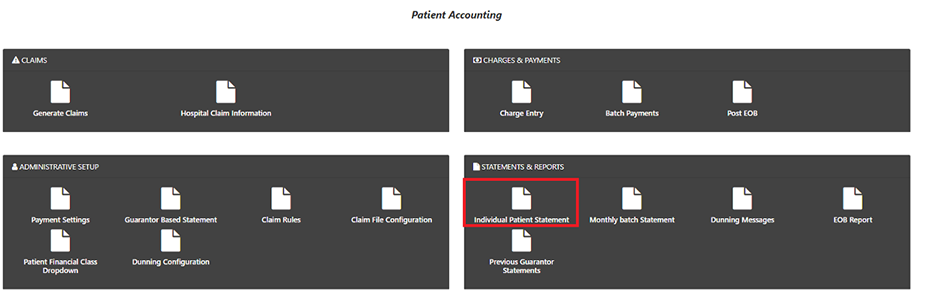
- Click on “Patient Accounting.”
- Choose “Individual Patient Statement.”
4. Search for the patient or guarantor for which you need to print the request. Click the box in the first column for all encounters you would like to print for this patient.
If you would like to print all encounters for this patient, click on the box in the header, and all boxes will be checked.
5. Once all the necessary boxes are checked, click “Download” or “Export Excel,” depending on how you would like the information provided to you.

- If you choose the “Export to Excel” option, you will be provided the following information:

2. If you choose the “Download” option, a PDF will be provided for them in the download folder on your local computer.